

Add to Wish List








Steinberg
Steinberg DAC WaveLab Pro 13
Next Generation Mastering Software
Earn 399 Loyalty Points
SKU: 92573
You Might Also Like
Product Description
WaveLab Pro 13 is Steinberg’s flagship mastering and audio editing suite, now expanded into a complete solution for both stereo and Dolby Atmos projects. From detailed waveform surgery and spectral repair to full album assembly and immersive ADM mastering, it brings together precision tools, flexible workflows and powerful new plug-ins in a single, professional environment.
Trusted by mastering engineers, post-production studios and sound designers around the world, WaveLab has long been known as the “Swiss army knife of audio processing”. Version 13 raises the bar again with an industry-first Dolby Atmos mastering workflow, full multicore rendering, sidechain support, and a refreshed plug-in arsenal including the overhauled MasterRig 2 suite and dedicated vocal processing tools. Whether you are finalising streaming-ready stereo masters or crafting immersive Atmos albums, WaveLab Pro 13 is built to keep you fast, accurate and creative.
At the heart of WaveLab Pro 13 are its specialised workspaces. The Audio Editor gives you sample-accurate control over single files, complete with spectral editing and detailed loudness analysis. The Audio Montage is your hub for multi-track projects, album sequencing and stem workflows, now enhanced with over 15 new features that streamline clip handling, rendering and visual organisation. A powerful batch processor lets you apply complex chains to large libraries, while the new Dolby Atmos Master and Album montages provide a dedicated environment for immersive ADM mastering.
WaveLab Pro 13 also focuses heavily on day-to-day usability. Automated colour rules, improved waveform outlines and user-defined plug-in scaling make complex sessions easier to read at a glance. Tab-synchronised playback and enhanced envelope tools speed up comparisons and edits, while full multicore support dramatically cuts rendering times on modern systems. Combined with comprehensive loudness and TruePeak normalisation, it gives you the confidence that your masters will translate consistently across platforms and formats.
Dolby Atmos Mastering Made Practical
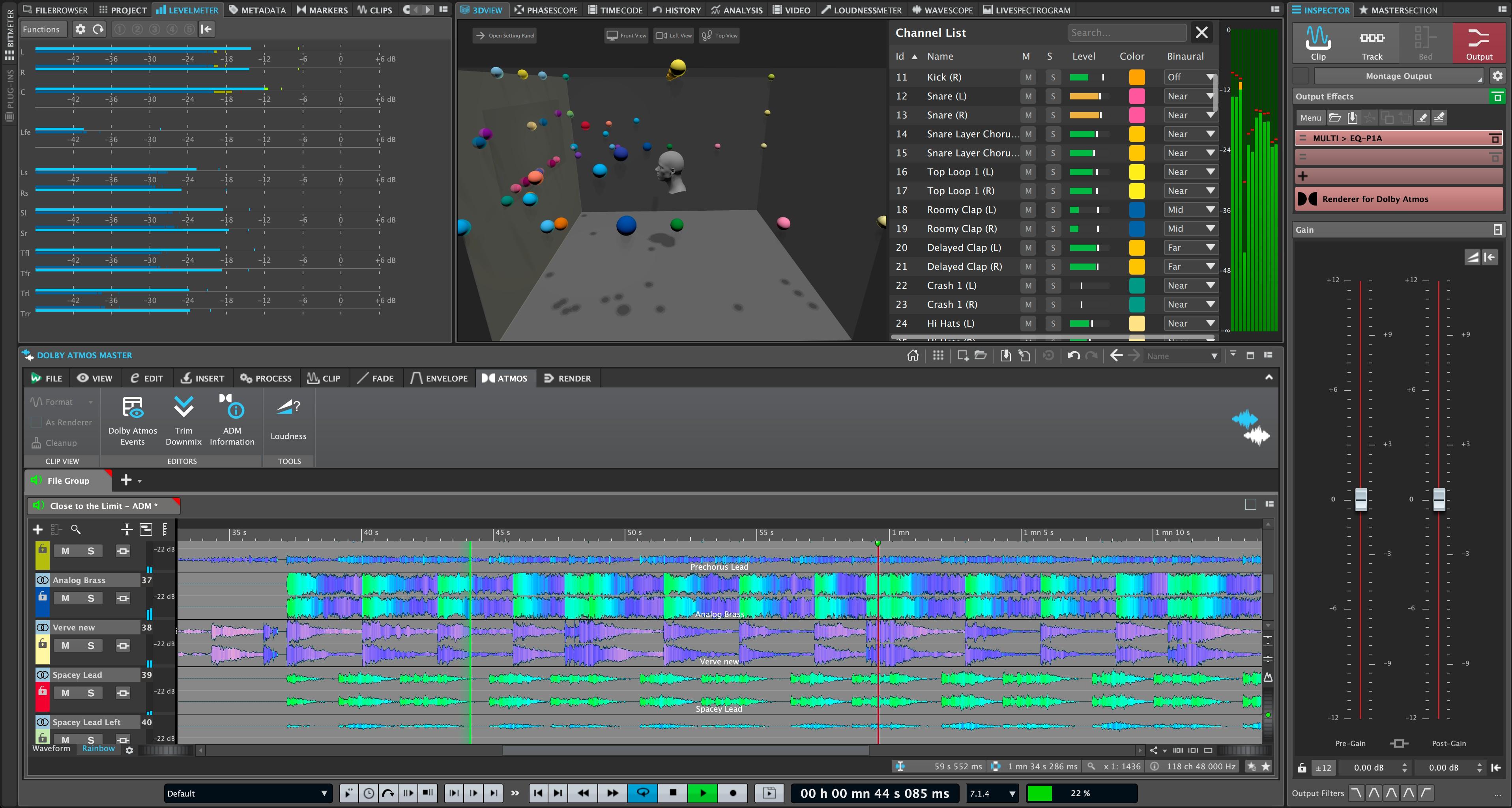
WaveLab Pro 13 is the first dedicated mastering DAW to offer a complete Dolby Atmos workflow, from single ADM file mastering through to full album assembly. The Dolby Atmos Master montage uses the Immersive Plug-in Hub to route standard VST 3 plug-ins across up to 128 channels, with flexible sidechain options and precise loudness control. A stereo reference track makes A/B comparisons straightforward, helping you keep immersive and stereo versions aligned both in length and tonal balance.
Faster, Smarter Workflows
With full multicore rendering for Audio Montage elements, WaveLab Pro 13 significantly reduces processing times on complex projects. Multiple titles, stems or groups can be rendered in parallel, freeing up more time for creative decisions rather than waiting on progress bars. Enhanced envelope editing, dynamic clip toolbars and a new multi-track selection range all contribute to a smoother, more efficient editing experience.
Expanded Creative Toolset
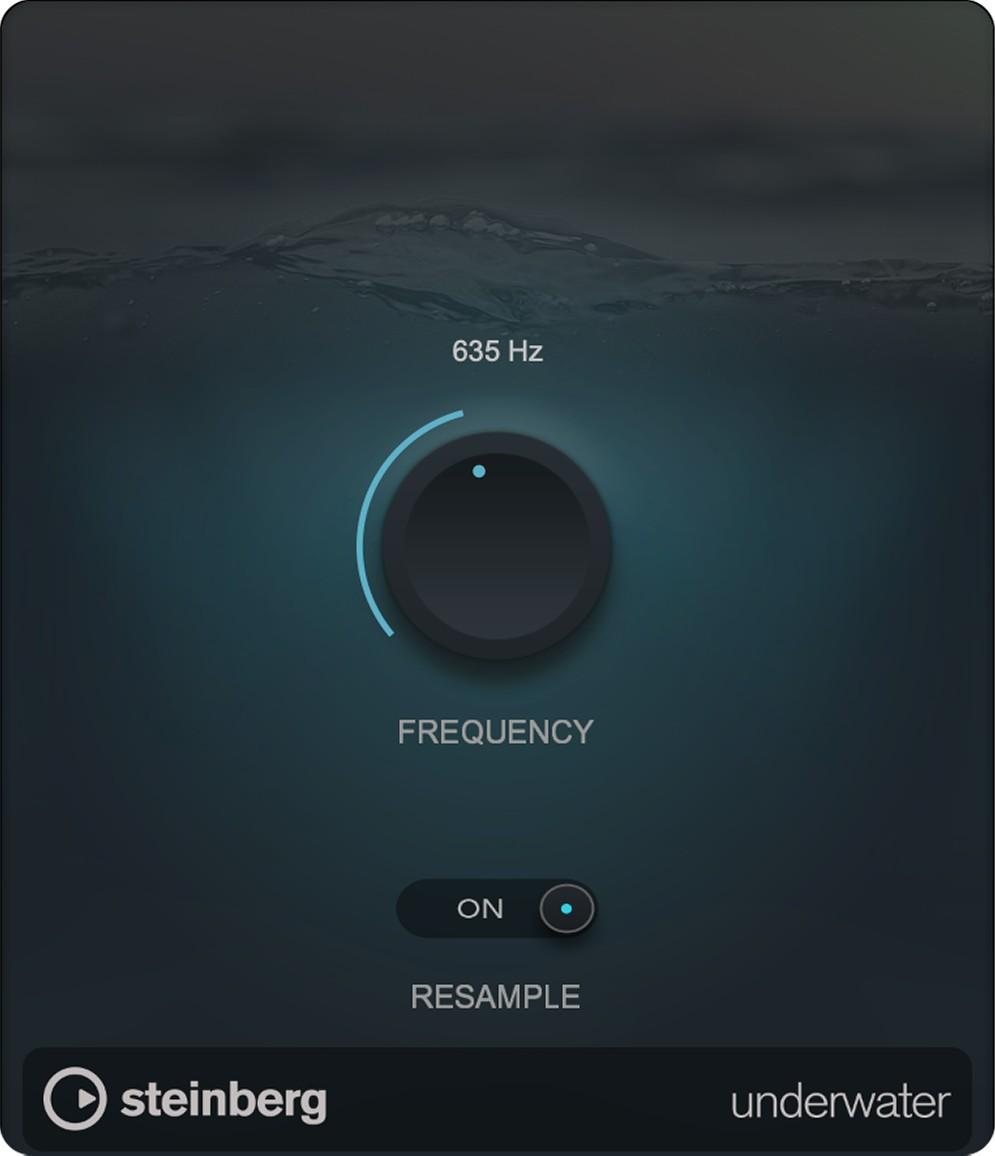
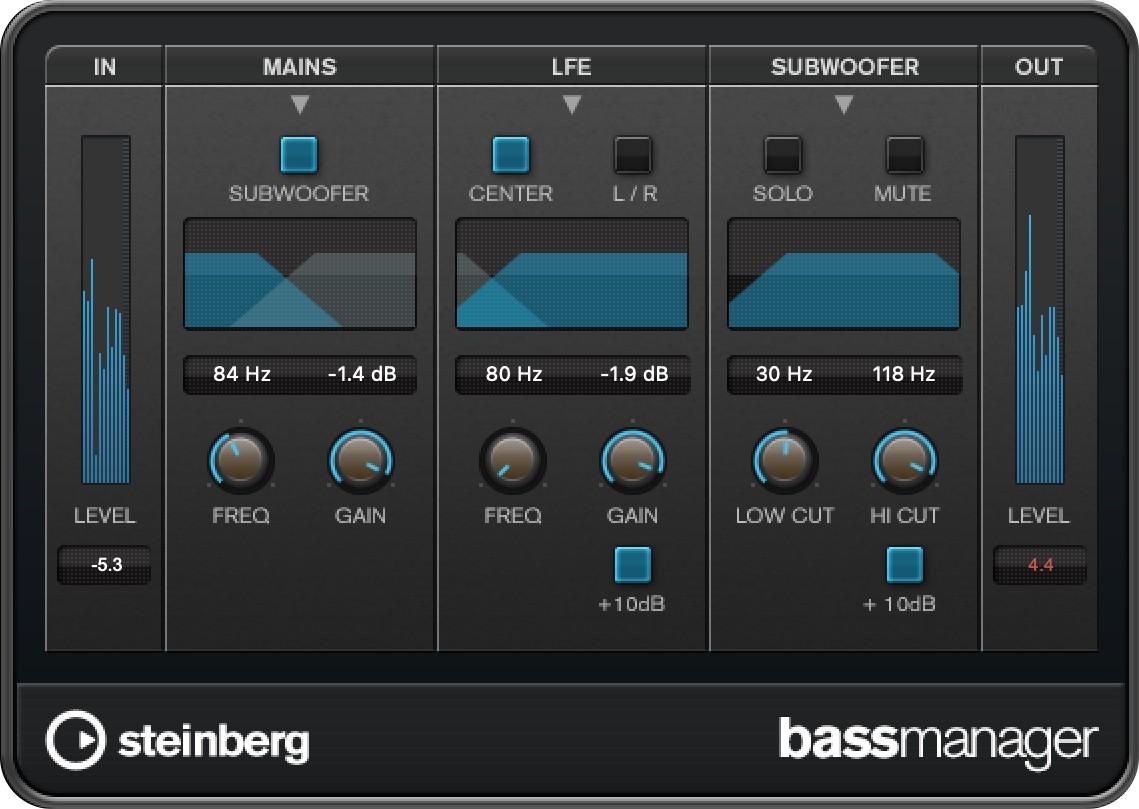
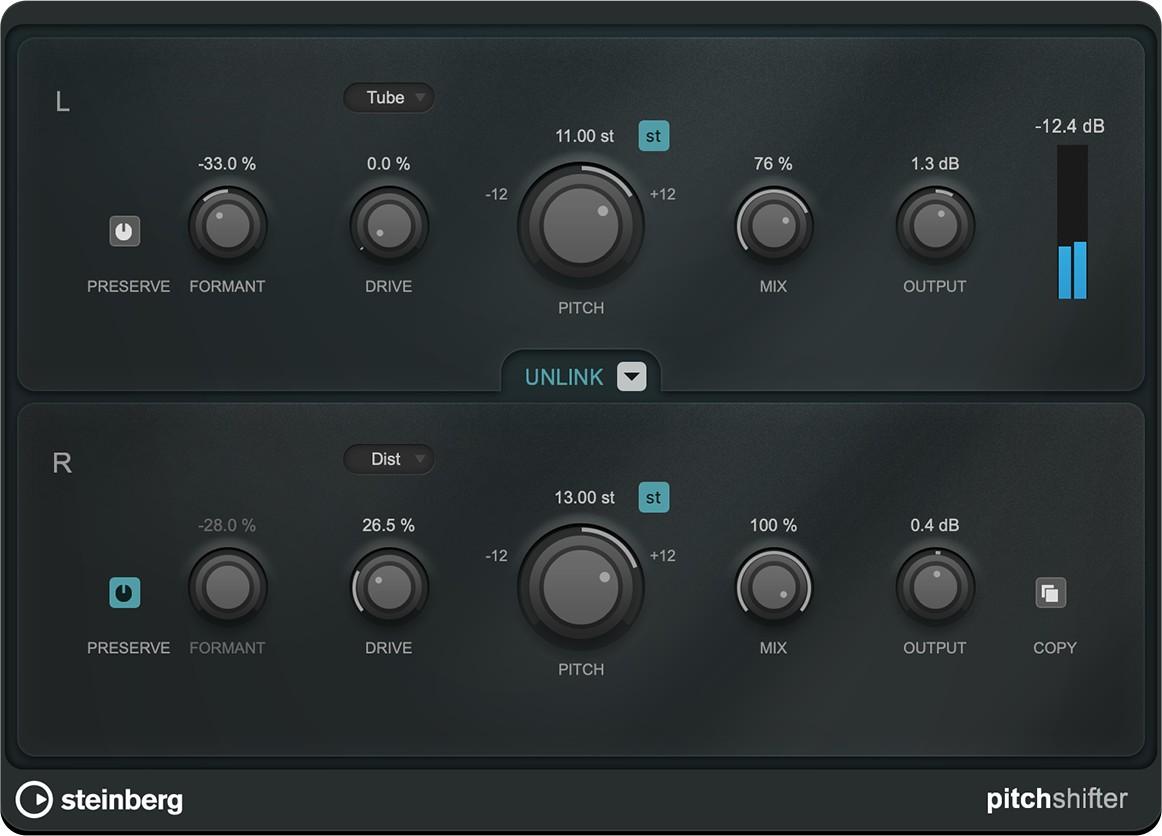
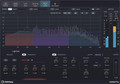
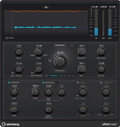
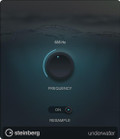
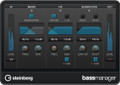
WaveLab Pro 13 introduces a refreshed plug-in line-up designed for modern mastering and sound design. MasterRig 2 delivers a completely overhauled mastering suite, while VocalChain provides a focused environment for vocal and speech processing. Additional tools like UltraShaper, MixerDelay, Bass Manager and the Underwater effect plug-in open up new possibilities for dynamic control, multi-channel monitoring and creative sound design within a single, integrated platform.
Clear Visual Feedback and Control
Visual clarity is central to WaveLab Pro 13. Improved waveform outlines, automated colour management and a customisable colour palette make it easier to navigate dense sessions. Tab-synchronised playback allows instant A/B comparisons across different versions, while residual peak reporting and enhanced metering help you identify even subtle differences between signals. User-defined plug-in scaling ensures that all stock processors remain readable and comfortable to use on high-resolution displays.
Features
- Integrated Dolby Atmos Mastering Environment - Dedicated Dolby Atmos Master and Album montages let you master single ADM files or full immersive albums within WaveLab. You can sequence multiple ADM files, manage loudness and TruePeak levels, and compare Atmos streams against stereo references, helping you deliver cohesive immersive releases alongside traditional masters.
- Immersive Plug-in Hub with Sidechain Support - The Immersive Plug-in Hub allows standard VST 3 plug-ins to be inserted across up to 128 channels from a single interface, including bed and object processing. Combined with new sidechain routing from clips to track plug-ins, it enables advanced dynamics, ducking and creative effects in both stereo and Atmos projects without leaving your familiar plug-in collection.
- Multicore Rendering for Ultra-fast Processing - Full multicore support in the Audio Montage means WaveLab Pro 13 can process multiple tasks simultaneously. Rendering many titles, stems or groups now takes a fraction of the time, which is particularly valuable when working to tight deadlines or handling large catalogues that require consistent processing.
- Enhanced Audio Montage and Visual Workflow - Over 15 new Audio Montage features, including chain-wide plug-in application, improved clip gain handling, reference clip alignment and advanced colour rules, streamline everyday tasks. Combined with tab-synchronised playback and improved waveform outlines, these enhancements make complex mastering and editing sessions easier to manage and faster to complete.
Specifications
Core Functionality
- Professional stereo and Dolby Atmos mastering and audio editing software
- Audio Editor for detailed single-file editing and spectral processing
- Audio Montage for multi-track projects, album assembly and stem workflows
- Batch processor for automated processing of multiple files
- Support for VST 3 plug-ins from any manufacturer
- Support for external audio editors and hardware devices in the workflow
Dolby Atmos and Immersive Features
- Dolby Atmos Master Montage for single ADM file mastering
- Dolby Atmos Album Montage for multi-file ADM album mastering
- Immersive Plug-in Hub for inserting VST 3 plug-ins across up to 128 channels
- Support for bed plug-ins and clip/track plug-ins in immersive projects
- Customisable sidechain routing for immersive processing
- Loudness and TruePeak normalisation for Atmos content
- Stereo reference track for A/B comparison and length alignment with ADM files
- Visualisation of clips from stereo up to 9.1.6, with display following the Dolby Atmos Renderer
- Ability to combine compatible ADM files into new files with crossfade support
- Merge multiple ADM files of any type into a single file
Workflow and Productivity
- Sidechain support from clip audio signals to track plug-ins
- Full A/B comparison of audio files and clips across multiple tabs
- Automated colour management with user-defined colour rules
- Full multicore support for ultra-fast processing of montage elements
- Enhanced envelope editing with clone editing, grouped fade editing and fine control mode
- Dynamic clip toolbar for instant access to clip-related menus
- Improved waveform outlines for better clarity on high-resolution displays
- Time ranges selectable directly from the marker ruler
- Residual peak level reporting between two signals when minor differences exist
- Audio Processing Load bar with percentage display
New and Updated Plug-ins
- MasterRig 2 mastering suite with major functional and graphical update
- VocalChain multi-effect for vocal and speech processing
- UltraShaper dynamic processor combining compression and transient shaping
- MixerDelay for aligning speaker channels via individual delay times
- Bass Manager for bass routing and crossover management in multi-channel monitoring
- Underwater plug-in simulating submerged acoustic environments
- User-defined interface scaling for all stock plug-ins (for example +25 percent or +50 percent)
Audio Montage Improvements
- Apply an entire plug-in chain to all selected clips in one step
- Automatic addition of files related to a reference track when inserting multiple audio files
- Instant access to clip-related menus via the Clip Ribbon tab
- Two new rendering options: All Title Stems and All Title Groups
- Improved clip gain adjustment with pop-up sliders
- Reference clips remain aligned to their related main clips
- New selection range spanning all tracks for faster multi-track editing
- New search feature within the montage
- Single-command reset of all gain (clip, track and output)
- Customisable colour palette with options for random track colours and global reset of manual colours
- Improved colour contrast and clarity for selected clips
- Visual indicator highlighting the active track
- Configurable gaps between clips when inserting multiple audio files
- Protection against accidental edits when working with small track heights
Additional Improvements
- Full file paths can be copied directly from any text source
- Plug-ins removable from a slot by dragging them outside the slot
- Improved waveform outline clarity and precision
System Requirements
- macOS: Tahoe, Sonoma, Sequoia
- Mac application: Rosetta 2 app (Silicon Mac) and native app (Silicon Mac)
- Windows: Windows 11 (version 24H2 or higher) 64-bit, Windows 10 (version 22H2 or higher)
- Processor (Windows): Intel Core i5 series (8th generation) or AMD Ryzen 3000 series
- Processor (Mac): Intel Core i5 (late 2018) or Apple silicon
- 4 CPU cores or more
- 8 GB RAM
- 84 GB free hard drive space
- Windows graphics minimum: Graphics card with native Windows 10 support (Microsoft Basic Display driver not recommended)
- Windows graphics recommended: AMD R or RX series and later, or NVIDIA Series 700 and later
- Mac graphics: Graphics card with Metal support
- OS-compatible audio hardware
- ASIO-compatible audio hardware recommended for low-latency performance
- Internet connection required for download of installation package, licence activation, account setup and registration
